Technical FAQ
Q1. How do I choose between CPU-based processing and a dedicated AI accelerator?
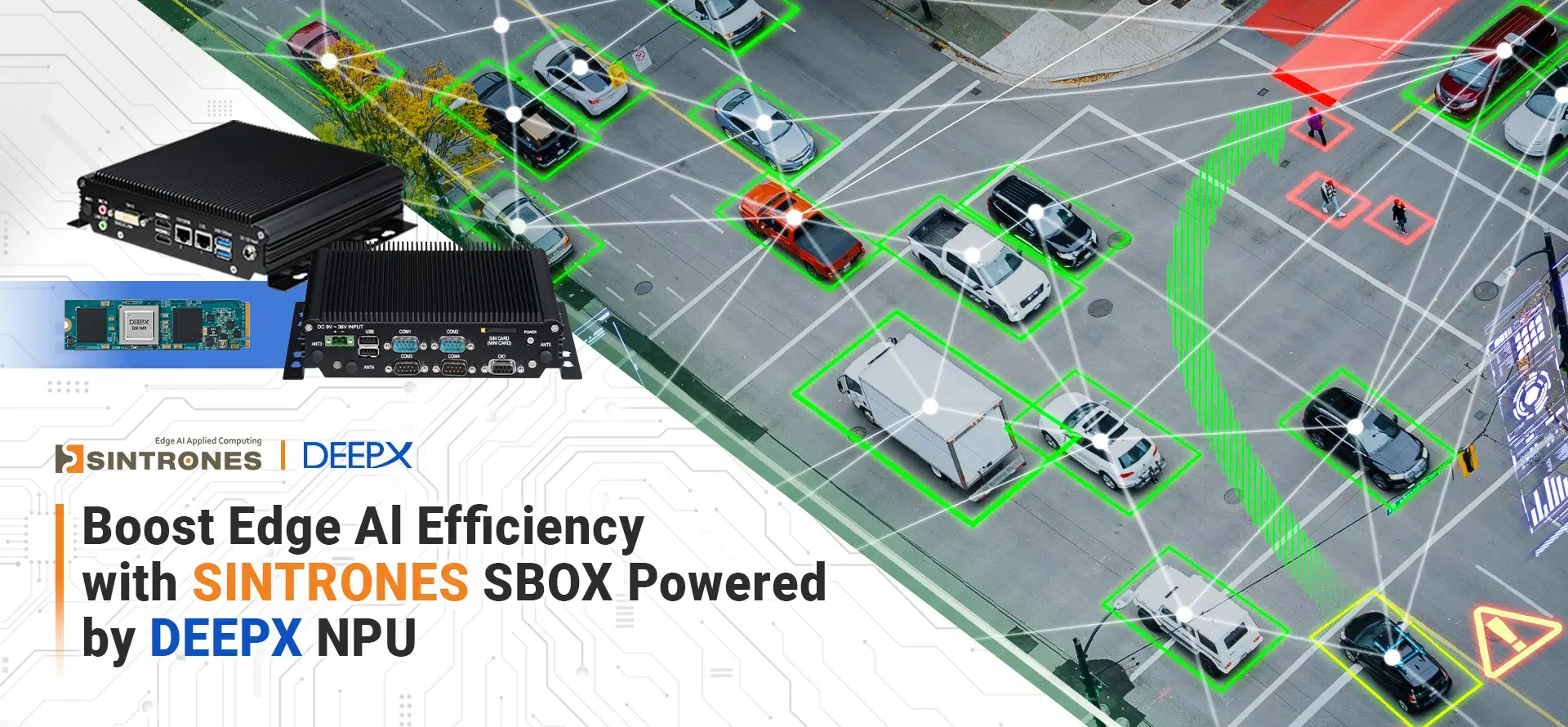
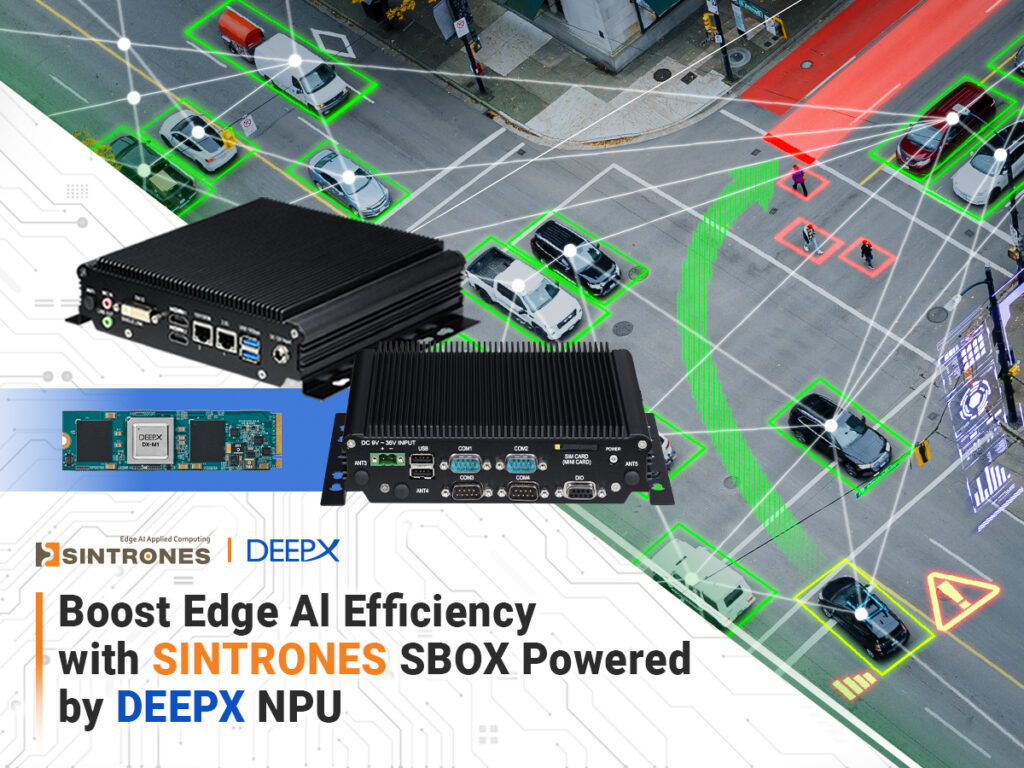
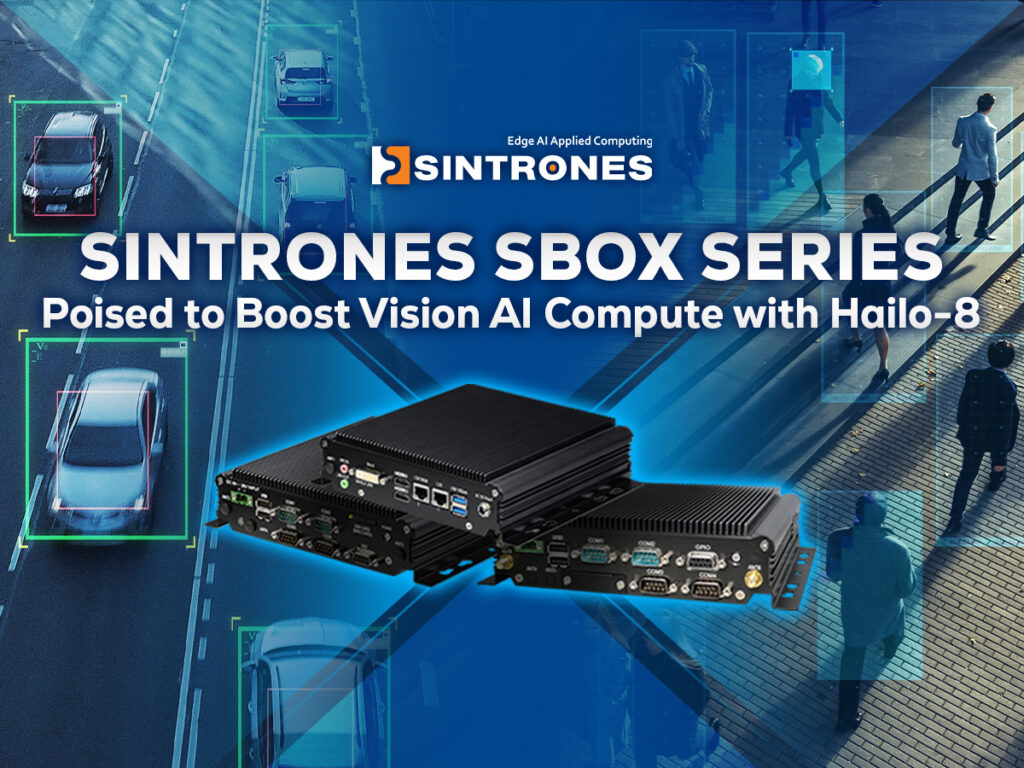
For equipment communication, application logic, and display tasks, start by evaluating the SBOX-2622’s CPU and integrated graphics. For vision applications requiring dedicated AI inference, consider a DEEPX DX-M1 or Hailo-8 configuration. Choose the accelerator based on model compatibility, inference latency, and camera workload—not TOPS alone. Validate performance with your actual model before deployment.
Q2. Can I connect industrial equipment and networked cameras to the same SBOX-2622?
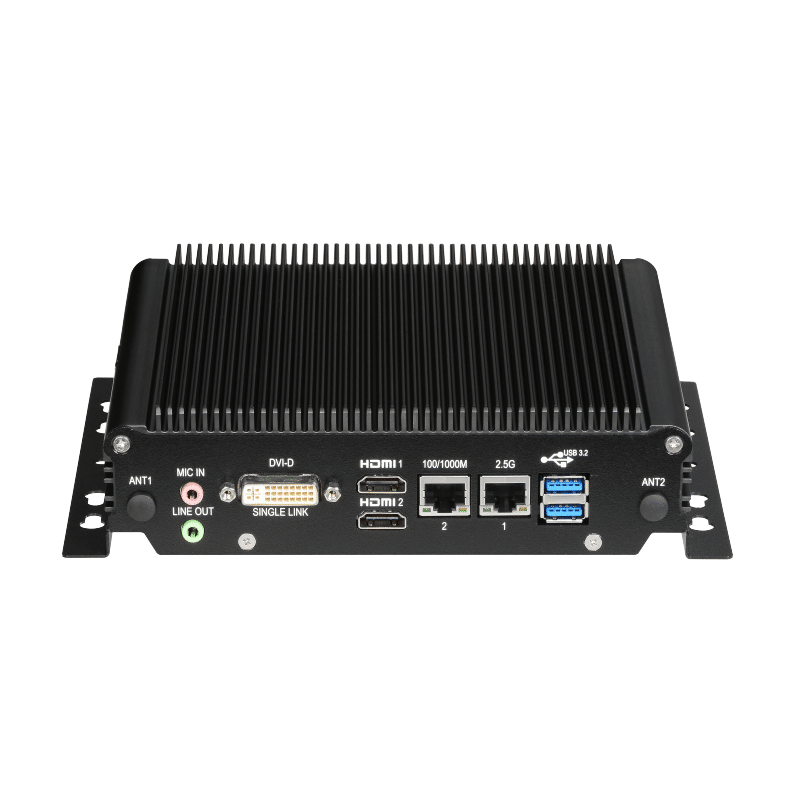
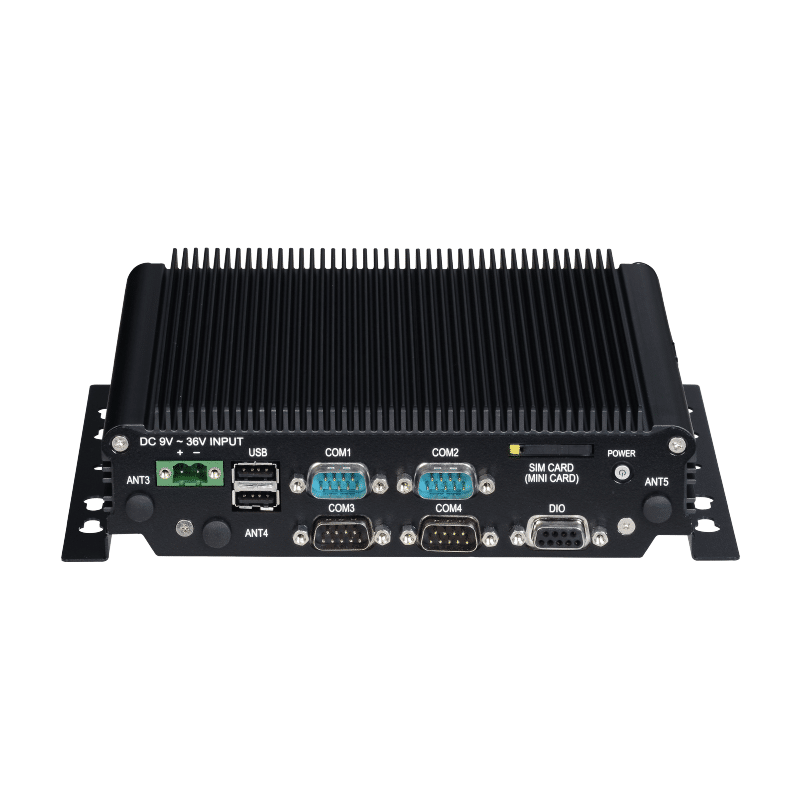
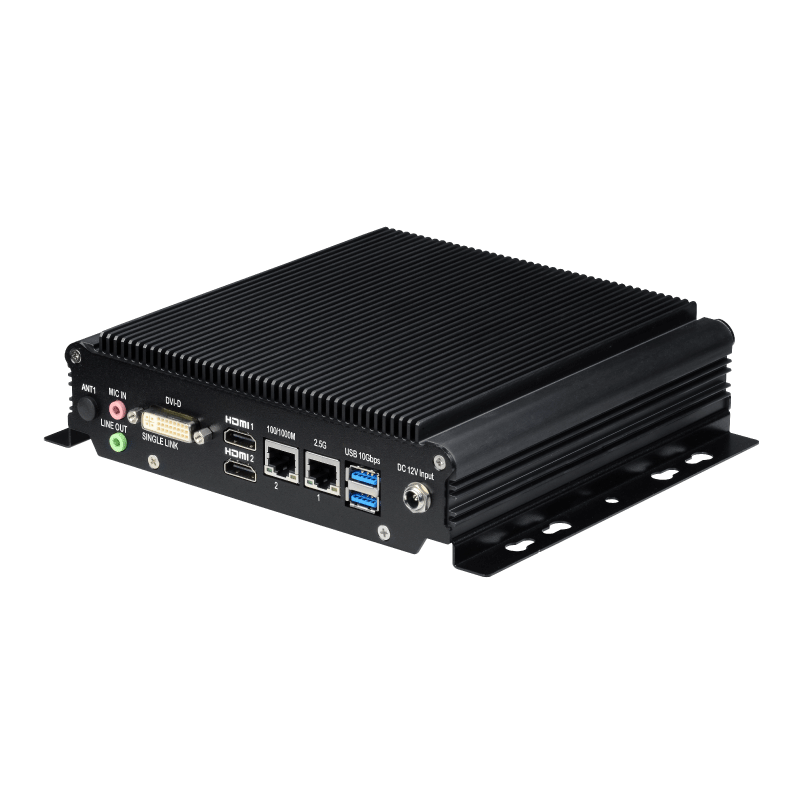
Yes. Ethernet, USB, serial ports, and digital I/O provide connection options for cameras, controllers, and peripherals. The two Ethernet ports can place camera traffic and the equipment network on separate interfaces. Before integration, check device protocols, drivers, bandwidth, and electrical requirements. For PoE cameras, use an external PoE switch or injector, as the specified Ethernet ports do not provide PoE.
Q3. What should I check when installing the SBOX-2622 inside a cabinet or kiosk?
Leave sufficient clearance for heat dissipation, cable routing, and connector access. Although the SBOX-2622 is fanless, its −30°C to 60°C operating rating is specified with 0.6 m/s airflow. An enclosed installation must account for internal temperature, nearby heat sources, and ventilation. Verify thermal performance under the intended workload before deployment.
Q4. Can one SBOX-2622 run an operator interface and additional information displays?
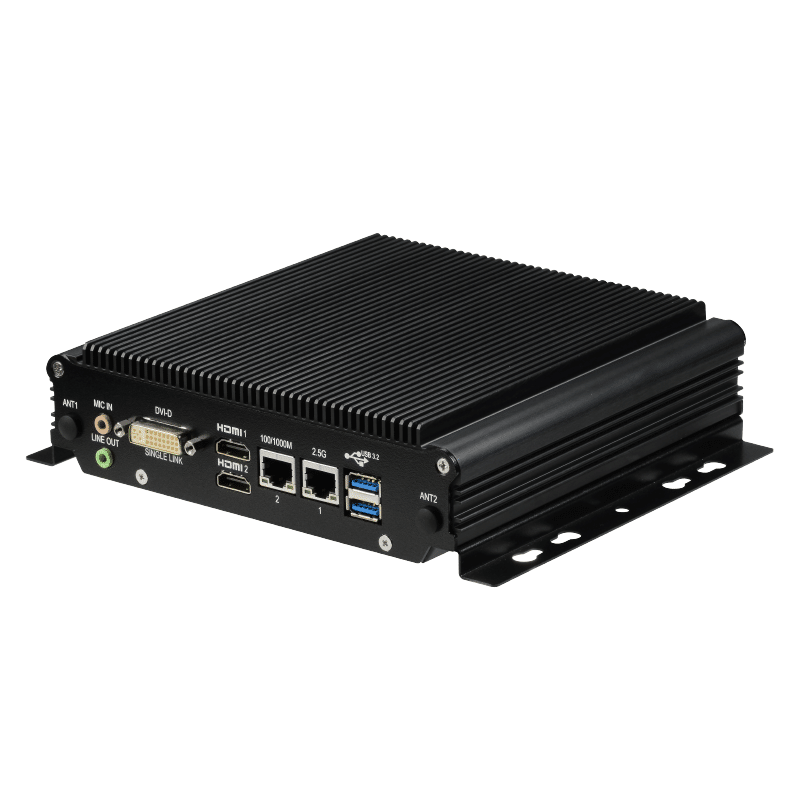
Yes. Its two HDMI outputs and one DVI-D output allow three displays to be connected to one system. Confirm the required resolutions, refresh rates, graphics drivers, and application layout for your selected configuration. The DVI-D connection requires a single-link cable, so check cable and adapter compatibility when integrating existing displays.
Q5. What should I verify before connecting the SBOX-2622 to an industrial power supply?
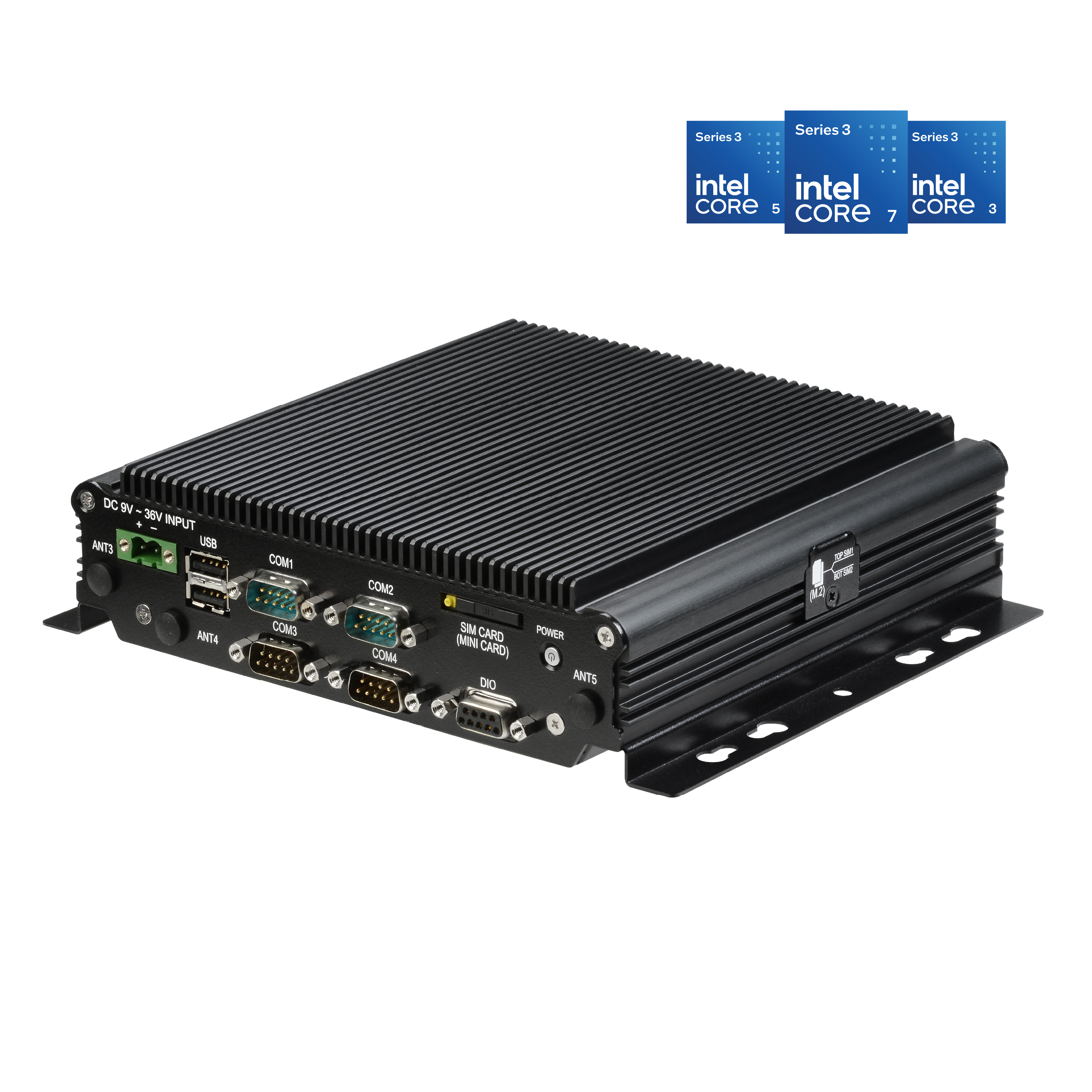
Check that the voltage at the computer remains within 9–36 VDC during startup and normal operation. Size the power supply for the complete configuration, including storage, wireless modules, and any AI accelerator. The input includes reverse polarity, overcurrent, and overvoltage protection, but these features do not replace a stable power supply or protection measures required by the installation.